The worst way to learn your service is down is a message from a client. The second worst is opening the site yourself and seeing that it works. Both answers describe one random second, while availability is a question about all the other seconds too.
Ten days ago I set up a self-hosted UptimeRobot equivalent for my own projects, and it has run 347 thousand checks since. Here is what those numbers showed and which parts of monitoring turned out to be non-obvious.
Three levels of checks answer different questions
«The server is up» is too vague to verify. It splits into at least three questions, each with its own tool.
An ICMP ping tells you whether there is a route to the machine and whether it is alive. It says nothing about services: a box can answer pings while the web server is dead.
A TCP port tells you whether a daemon is listening. That is already about a specific service: 443 for the web server, 5432 for the database, 22 for ssh. An open port still does not mean a working application behind it.
An HTTP request tells you whether the application returns what it should. The most expensive and the most meaningful check.
My 26 monitors are 7 pings, 17 ports and 2 HTTP checks. Ports dominate for a reason: they are cheap, you can put one on every service of a machine, and the pattern of which ports went red immediately shows whether the whole box is down or a single daemon died.
A 200 response does not mean it works
A classic trap: the page returns 200 and the body says «database connection error». Monitoring is green, users see an error. So an HTTP check has to look beyond the status code.
My checker has two fields for that: the expected code and a keyword in the response body.
if ($monitor->expected_code && $code !== (int) $monitor->expected_code) {
    return CheckResult::down("Got {$code}, expected {$monitor->expected_code}", ...);
}

if ($monitor->keyword && ! str_contains($response->body(), $monitor->keyword)) {
    return CheckResult::down("Response does not contain «{$monitor->keyword}»", ...);
}
The other half of the job belongs to the application. Laravel has had a built-in health endpoint since version 11, enabled with one line:
->withRouting(
    web: __DIR__.'/../routes/web.php',
    health: '/up',
)
By default it proves exactly one thing: PHP started and the framework booted. The database, the cache and the queue may all be down. If a green status is supposed to mean something, the endpoint has to touch its dependencies:
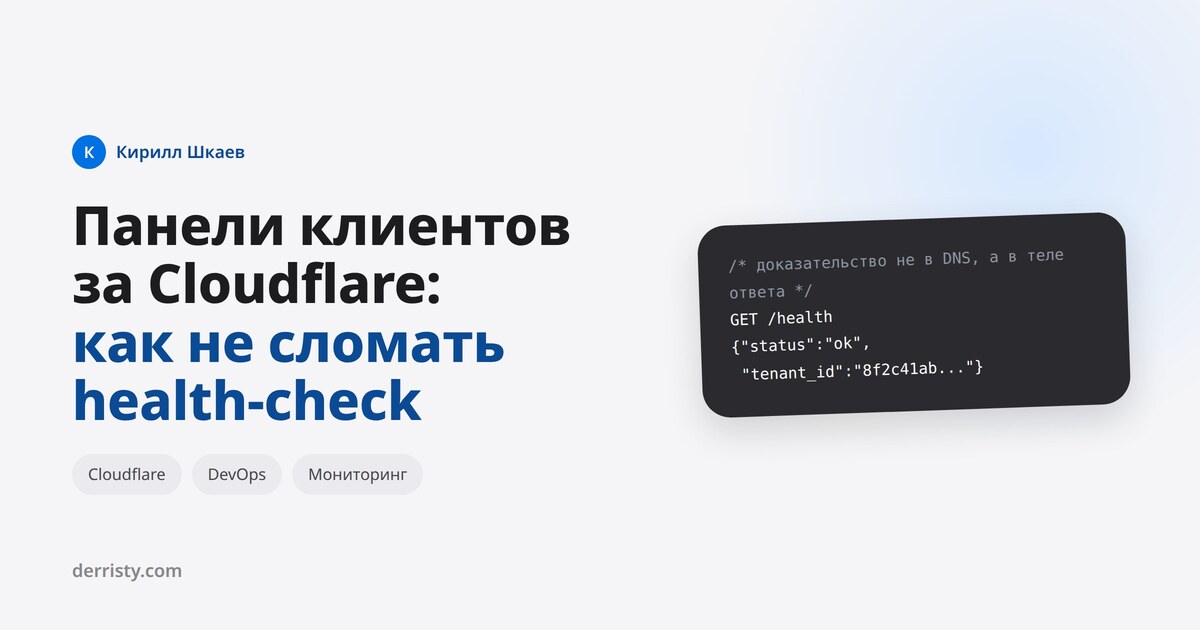
Route::get('/health', function () {
    DB::connection()->getPdo();                 // the database answers
    Cache::store()->put('healthcheck', 1, 10);  // the cache accepts writes
    return response('ok');
});
There is a limit worth respecting: a health endpoint should not become an integration test. It checks what the application is useless without, and it does not call external APIs - otherwise somebody else's outage takes your status down with it.
Most «outages» are blips
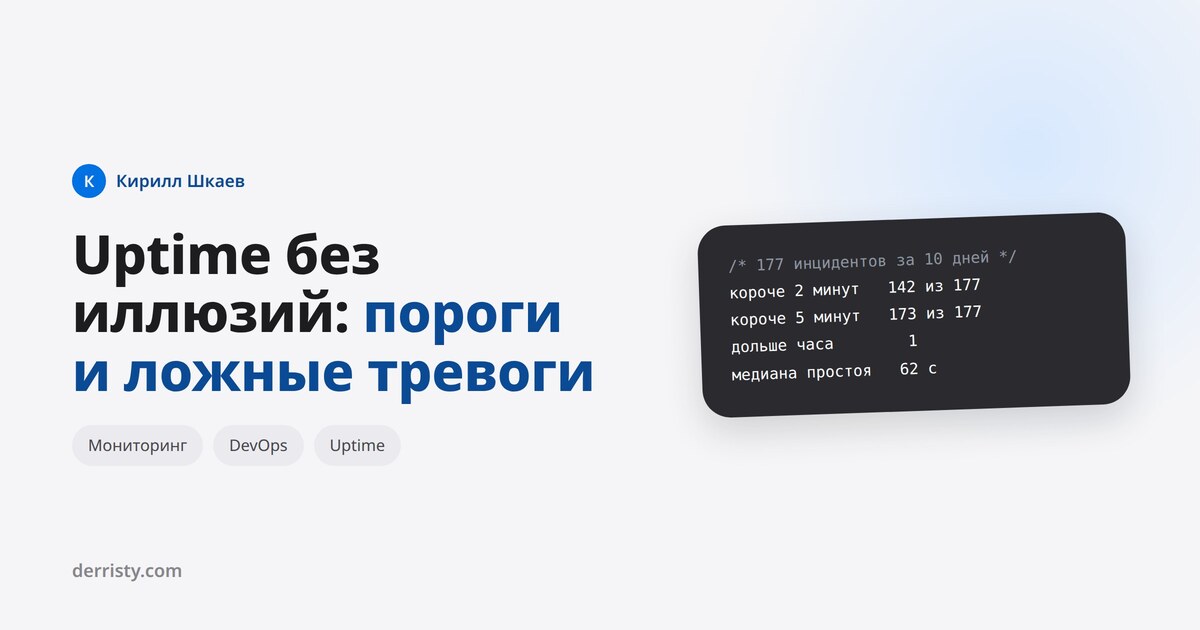
Here is the number that changes how you treat monitoring. Over 10.5 days my monitors recorded 177 incidents. Of those:
shorter than 2 minutes   142 of 177
shorter than 5 minutes   173 of 177
longer than an hour        1
The median outage is 62 seconds. Eight out of ten «incidents» were over before anyone could react. Alerting on every one of them turns the messenger into noise, and noise stops being read - so a real outage gets missed exactly as it would without any monitoring.
The cure is a threshold: how many consecutive failures are needed to open an incident. At a one minute interval, a threshold of 2 filters out almost every isolated timeout at the cost of one minute of delay. I deliberately set mine to 1 because speed matters more to me, and those 142 short records are the price.
One implementation detail matters: the incident opens at the time of the first failure in the run, not when the threshold is reached. Otherwise every outage is understated by «threshold minus one interval», and the statistics quietly lie in your favour.
A green monitor over broken connectivity
The most instructive case of these ten days. One host lost its IPv6 route from my server. Ping and port checks went red, while the HTTP check for the same host stayed green.
The reason is happy eyeballs: curl tries both address families and silently falls back to IPv4 when IPv6 does not answer. The system ping and stream_socket_client take the first address the resolver hands them and never fall back. The smarter tool masked the problem and the dumber ones exposed it.
The lesson I took: a check should record which path it took. Every record now stores the address family, so «green over IPv4 with IPv6 dead» is visible at a glance instead of surfacing six months later.
Who checks the checker
Monitoring has a failure mode that does not look like one: the scheduler stops, checks stop running, no alerts arrive. Silence is indistinguishable from «all good».
The defence is simple - watch the freshness of the last check:
$tolerance = $minInterval * 60 + 30;   // 90 seconds at a one minute interval
$stale = $lastCheckedAt === null || $lastCheckedAt->diffInSeconds(now()) > $tolerance;
The thirty seconds of slack are not arbitrary. A check is written to the database not when cron fires but several seconds later, plus the HTTP timeout. An exactly one minute tolerance produced a false alarm right before every run.
A related trap: you cannot judge the scheduler by the modification time of its log file. If output is not redirected there, the log stays old while checks run perfectly. The reliable signal is fresh data, not fresh logs.
Alerts: service versus server
When a machine goes down entirely, every monitor on it reports separately. Five services on a server means five messages about one event.
So my alerts accumulate until the end of a run instead of firing immediately: while a check is in flight the state of neighbouring monitors is unknown, and «one service died» cannot be told apart from «the box is gone». At the end of the run the rule is simple: all monitors in a group down means one message about the server, a single one down means a message about the service.
The second thing people rarely plan for: an outage can coincide with the alert channel being unavailable. If Telegram did not accept the message, delivery is not marked as done and the next minute retries, for up to a day. Without that, an outage that happens at the wrong moment never gets reported at all.
How to read the percentages
My ten days in numbers: 347,099 checks, 916 of them failed. The success rate is 99.736%. That sounds decent, but it answers «what share of checks passed», not «how long the service was unavailable».
Downtime is counted differently, as the sum of incidents, and that comes to 14.8 hours across all 26 monitors, almost 9 of which come from a single case. Two metrics about the same events disagree, and that is fine: one shows frequency, the other severity. You need both, because a hundred short blips and one nine-hour outage produce a similar percentage and completely different consequences.
On SLA percentages, by the way: 99.9% a year is almost 9 hours of downtime, 99.99% is 52 minutes. On paper the difference between three and four nines is one digit; in practice it is different money and a different architecture.
The minimum worth setting up
If there is no monitoring at all, the order is this.
First, a health endpoint that checks the database and the cache and returns a short response. Second, an external check of that endpoint every minute from a different machine: checking from the same server is useless precisely when the server is down. Third, an alert to a messenger with a threshold of two consecutive failures. Fourth, a ping and a couple of key ports, so you can tell «the service died» from «the machine is unreachable». Fifth, a watch over the monitoring itself, based on data freshness.
All of it takes an evening and closes the main question: you learn about an outage before your client does, and you know what broke before you even open ssh.